Scale your app with ads that convert.
Add your app and start generating creatives.
3 free banners to start·no credit card needed
Made by Layma, from a store link
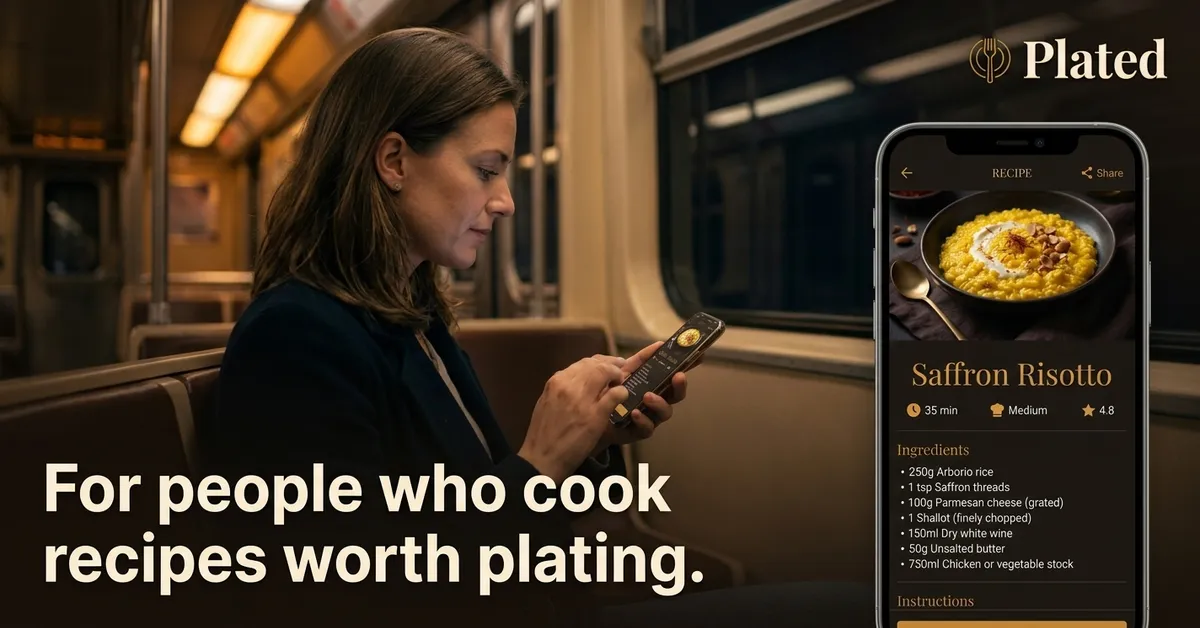
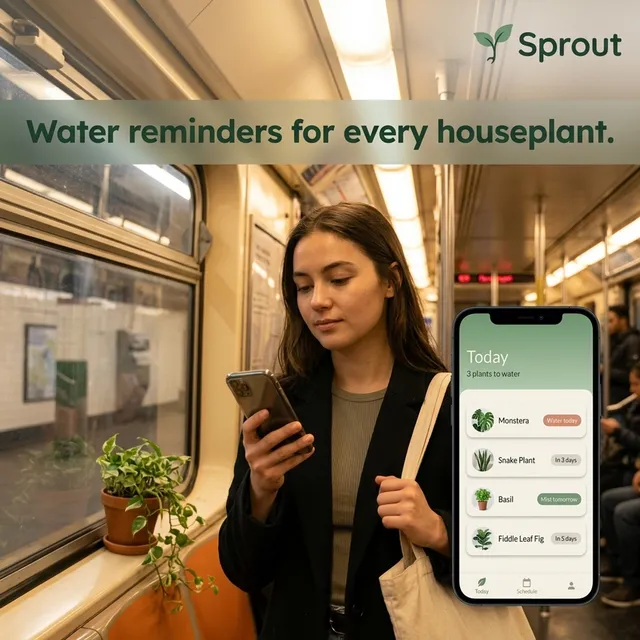

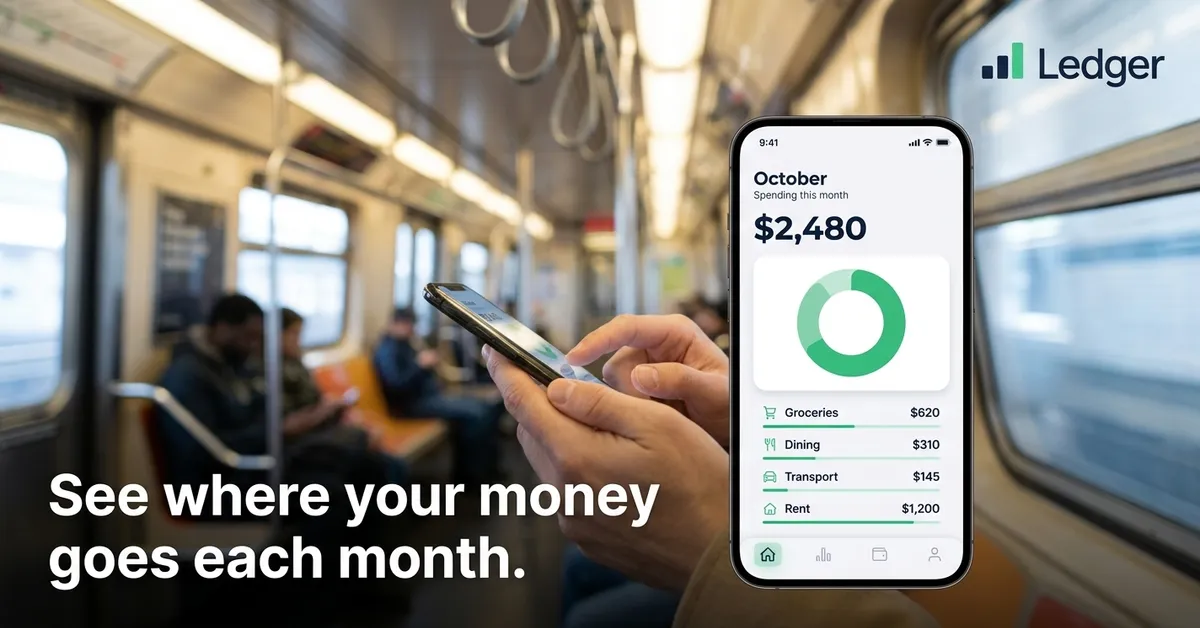
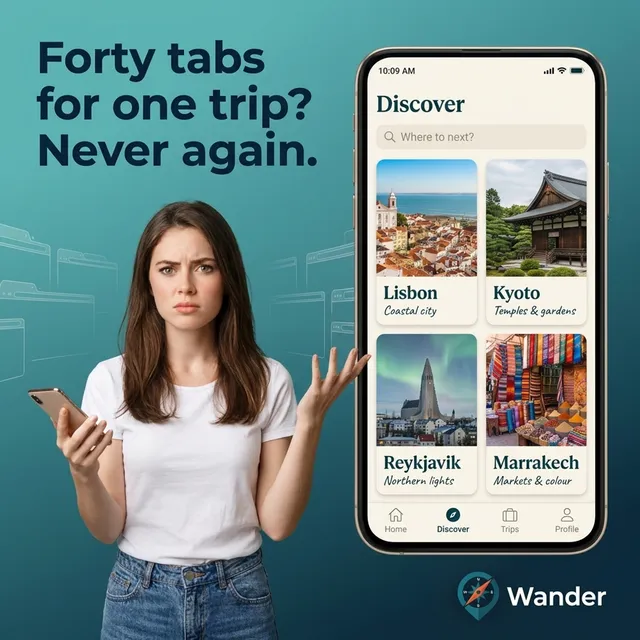
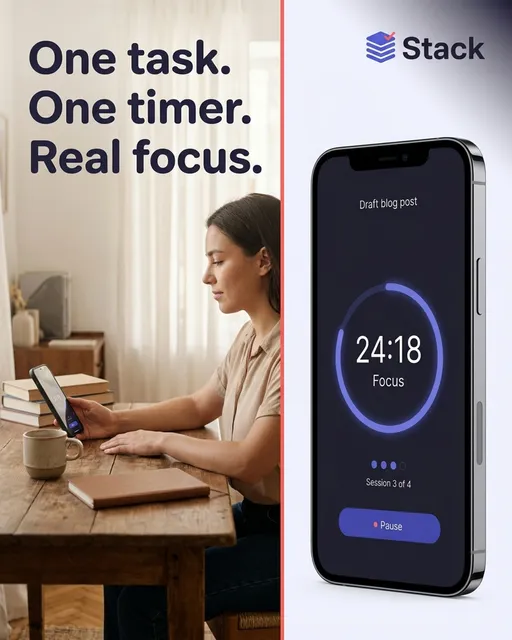
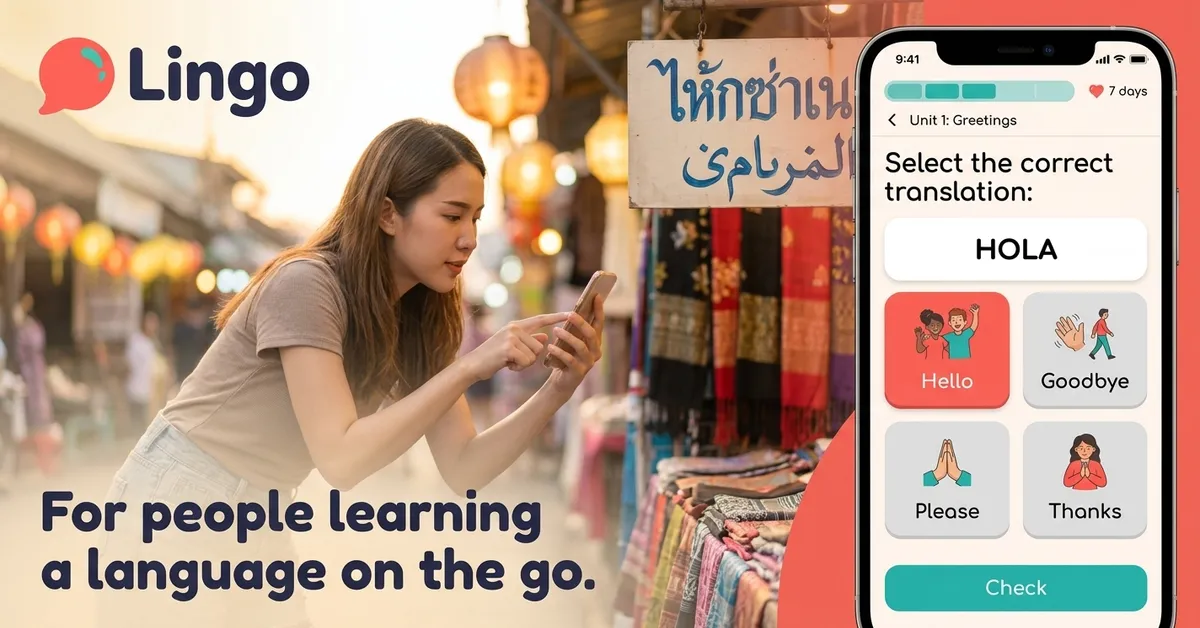
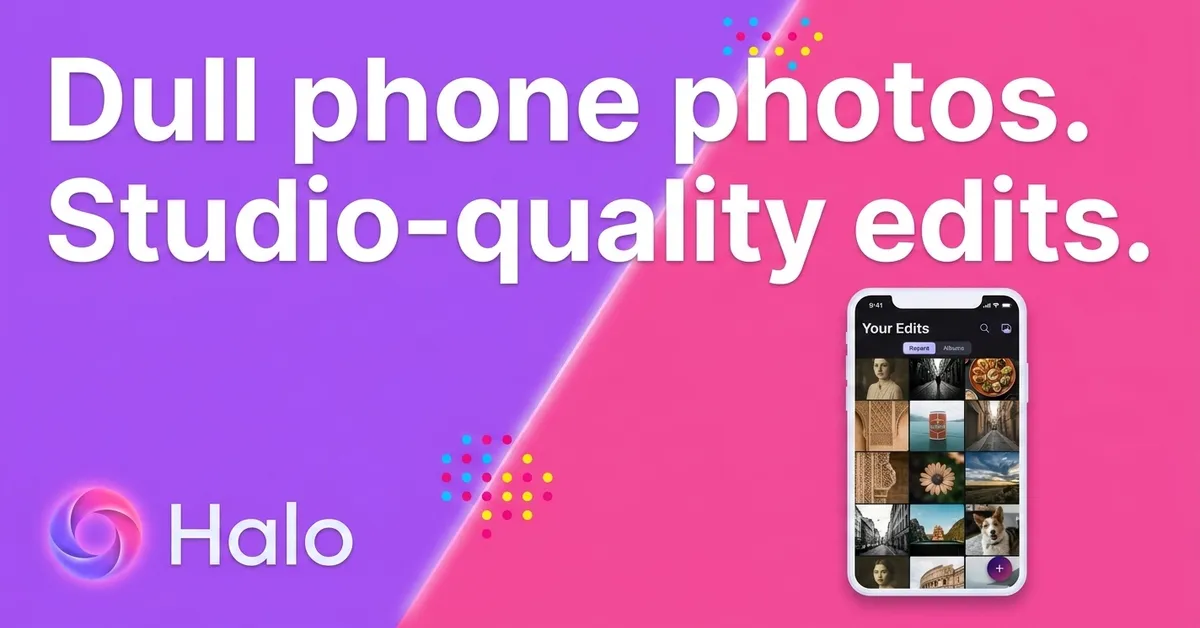
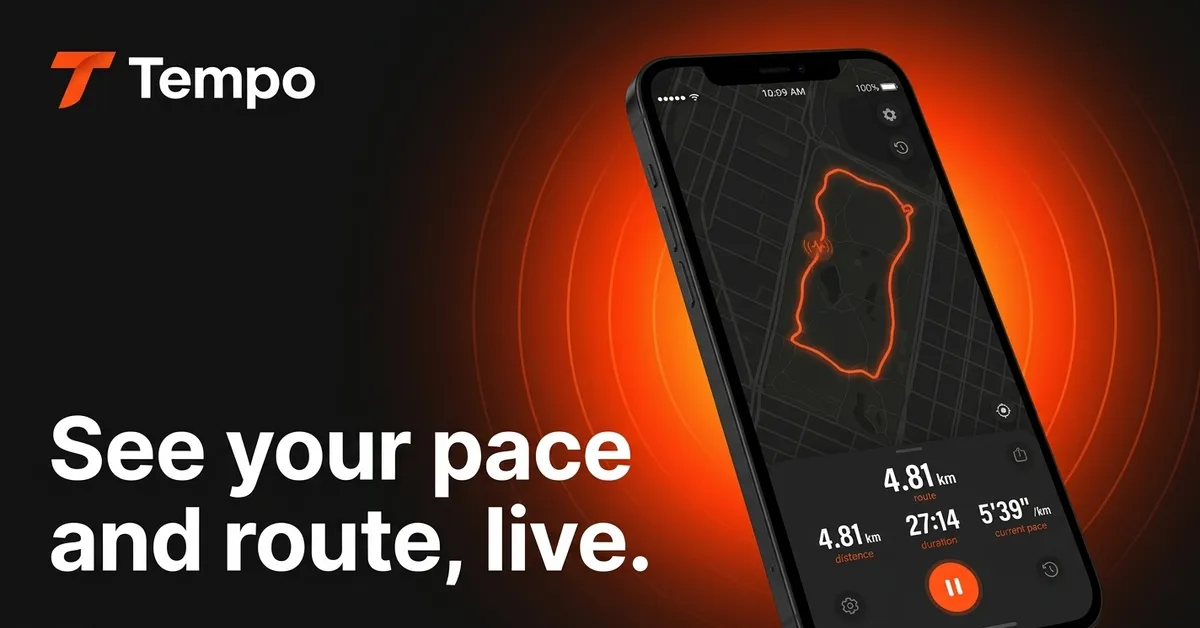
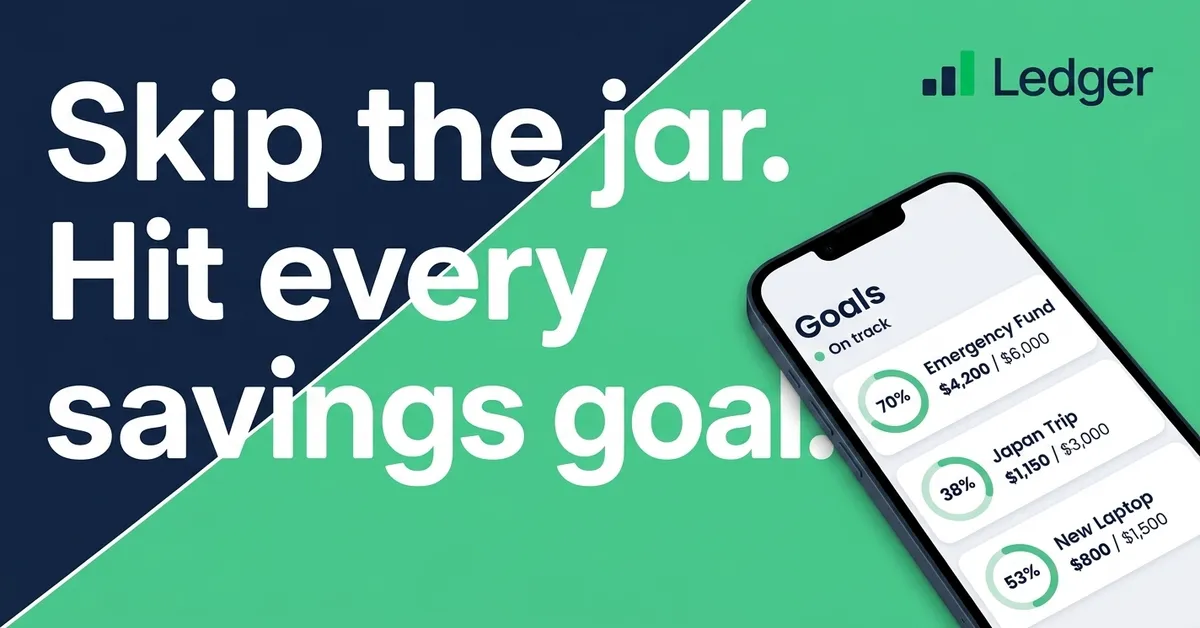
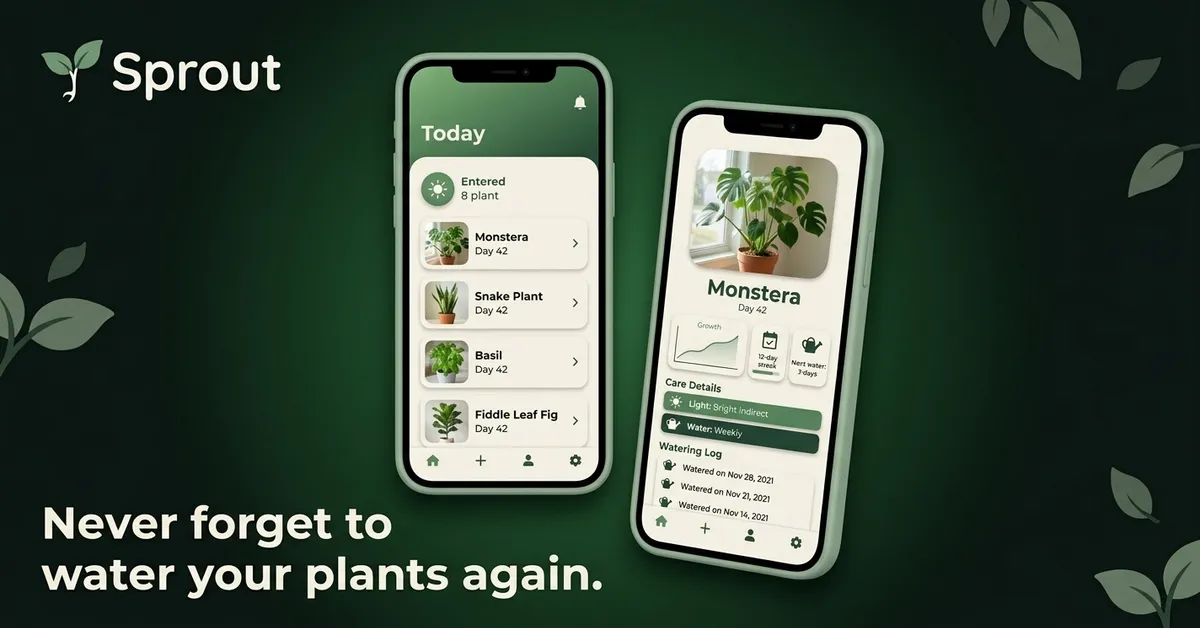
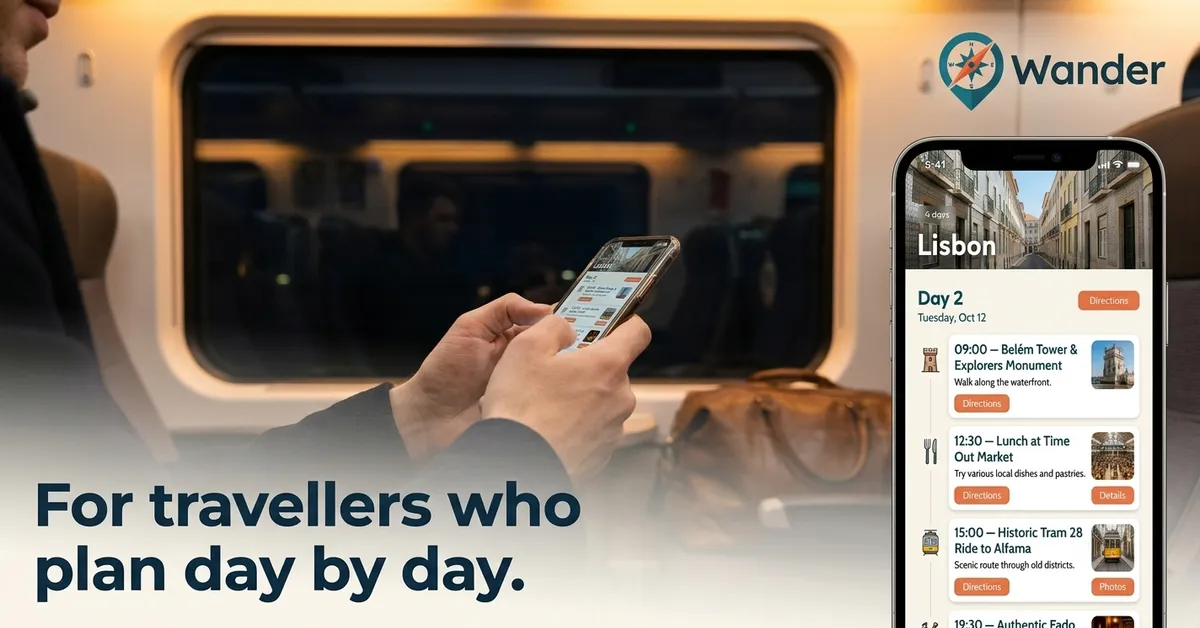
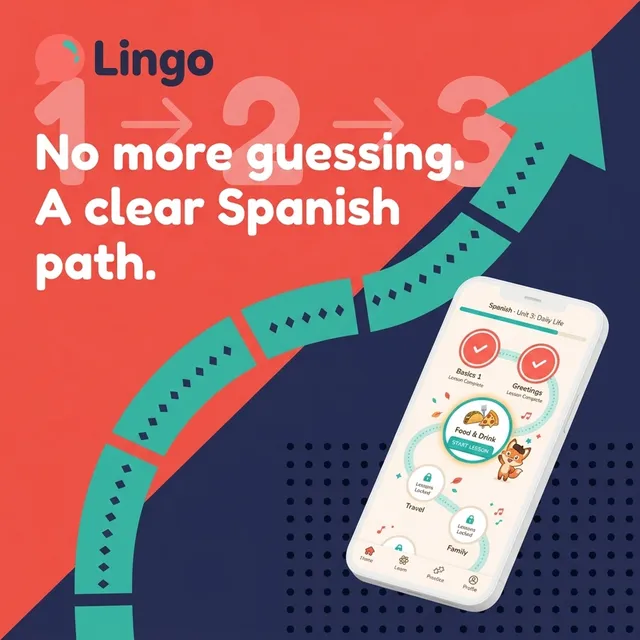
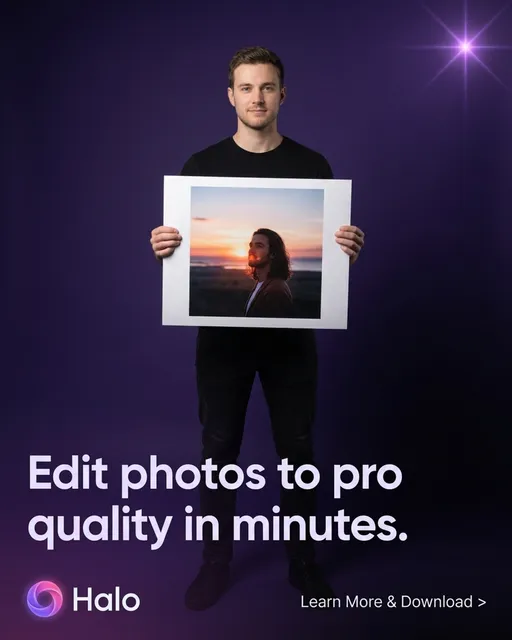
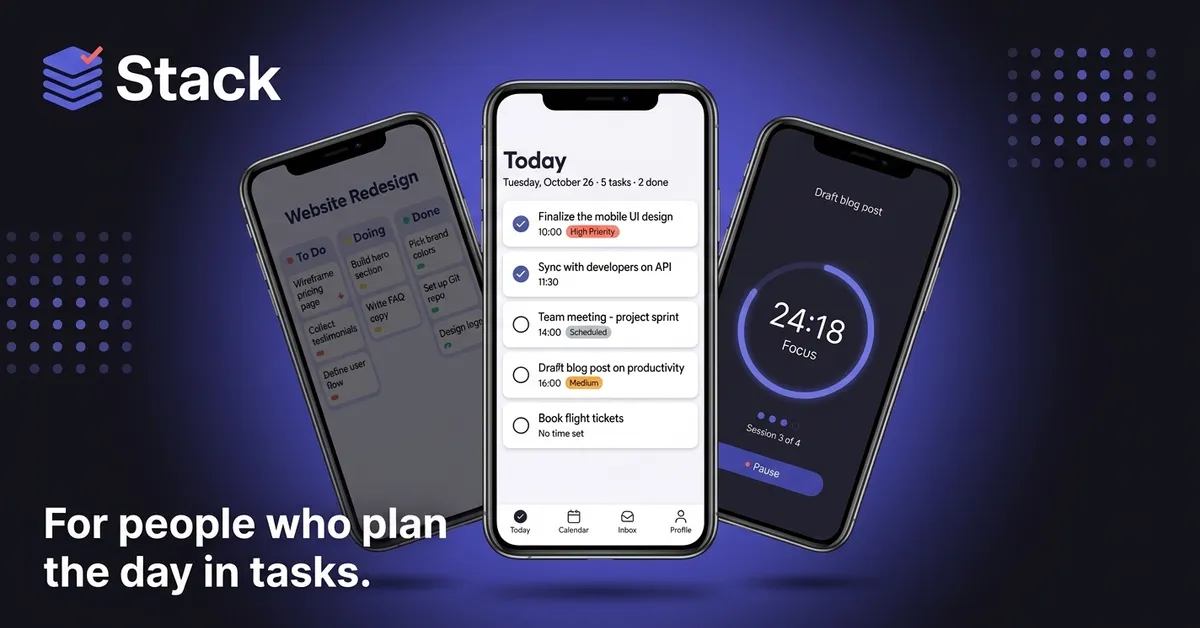
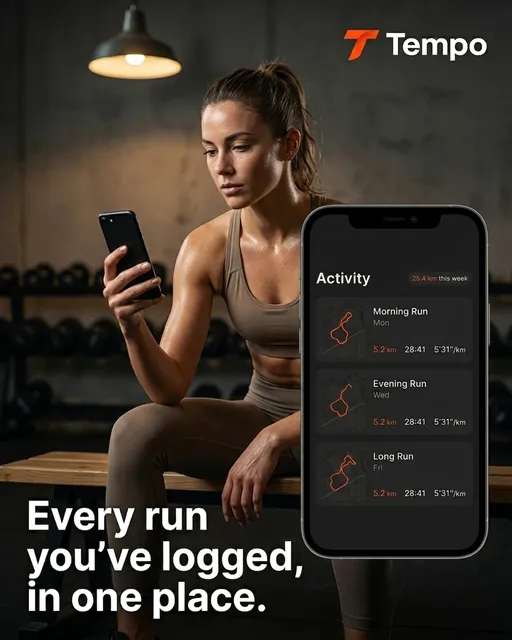
We didn't study what converts. We spent $30M finding out.
For years we ran app user acquisition at scale — testing 3,000+ ad creatives and learning, the hard way, exactly what makes someone stop scrolling and install.
Layma is that playbook, turned into a tool. Every banner it generates starts from a pattern we've already seen win.
Add your app. Get ads that scale.
~60 seconds end to end
Policy-safe by default.
Every banner is pre-validated against Google's Display Ads policies before it leaves Layma. Upload with confidence — zero violations to date.
Every Google Ads campaign size
One generation, every responsive display format Google's network serves — no resizing, no re-uploading, no rejected creatives.
Your first banners are free.
Start with 3 free credits — no card needed. Plans from $9 when you're ready for more.
1 credit = 1 banner, any size · See pricing →
Questions
What apps work with Layma?
Any app live on the Apple App Store or Google Play. Just paste the store listing link — Layma reads your icon, colors, screenshots and description automatically. (Plain websites aren’t supported yet.)
Will the banners pass Google Ads review?
Every banner is pre-checked against Google’s Display Ads policies — text density, trademark use, misleading claims, brand-safe imagery. We’ve had zero policy violations to date. You upload them straight into your campaign.
What’s a credit?
1 credit = 1 banner, in any size. New accounts get 3 free credits to start. Resizes, variants and edits each use 1 credit too.
How long does it take?
About a minute for a full set across landscape, square and vertical. Banners generate in the background while you keep working.
Can I edit or resize a banner?
Yes. Resize any banner to another format, generate variants (different layout, color or copy), or edit it with a prompt — all from your library.
Do I need any design skills?
None. Layma picks the layout, imagery, colors and headline for you. If you want to tweak something, you can — but most people just download and ship.